How to set up ChatGPT and Claude for your business loyalty program (with ready-to-use prompts)
Step-by-step guide to configuring a Claude Project or ChatGPT Custom Instructions to write Wallet lock-screen notifications, win-back campaigns, and profitable rewards.
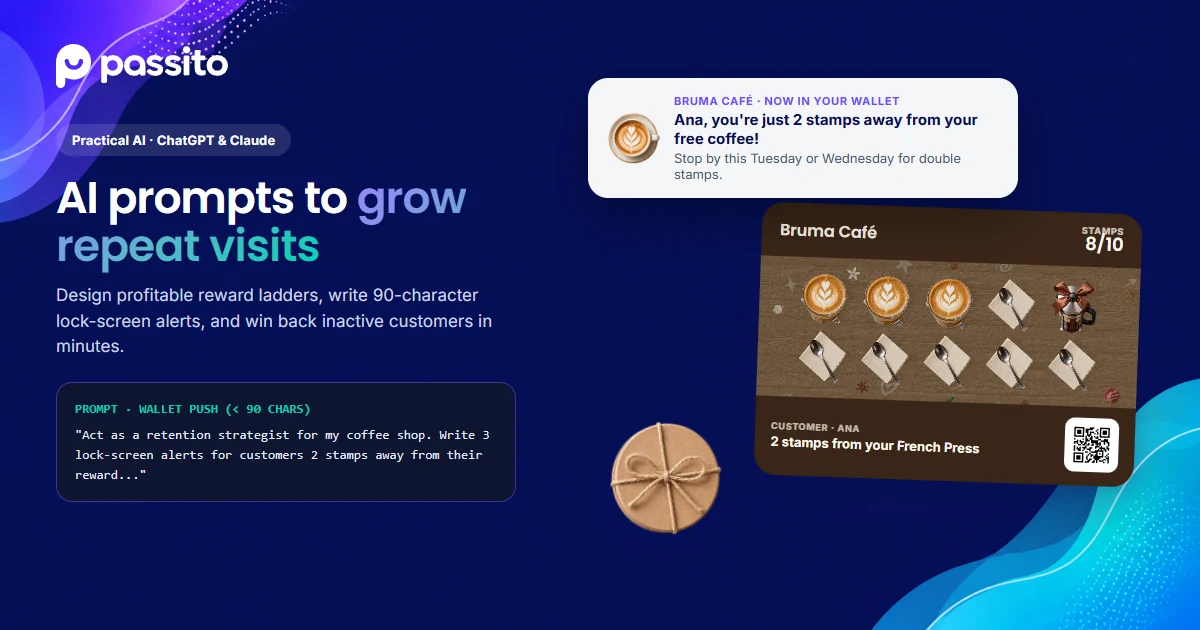
Key takeaways · How to turn ChatGPT or Claude into your retention strategist
- Stop asking AI for generic marketing ideas: create a 'Project' in Claude or 'Custom Instructions / Project' in ChatGPT with a permanent brief of your business (average ticket, COGS, visit frequency, and brand voice).
- Apple Wallet and Google Wallet lock-screen notifications must stay under 90 characters so they read cleanly without getting cut off.
- Use the ready-to-copy prompts below to calculate reward margins, write segmented win-back campaigns, and train cashiers with a 10-second checkout script.
Step 1: Set up your base instructions in Claude Projects or ChatGPT
When you ask ChatGPT or Claude 'give me loyalty ideas for my restaurant,' the output is usually generic because the AI doesn't know your margins or how Apple Wallet and Google Wallet passes work.
The fix takes 3 minutes: open Claude ('Projects') or ChatGPT ('Projects' or 'Custom Instructions') and paste this template as your permanent project context:
Base Configuration Prompt (Claude Project / ChatGPT) · Copy and paste this into your project instructions:
ChatGPT · ClaudeAct as a customer retention strategist and copywriter for my local business. - Business name & industry: [e.g., Central Roast · Specialty Coffee Shop] - Audience: [e.g., Neighborhood locals and remote workers] - Average ticket: [$8.50] | Average ingredient cost (COGS): [28%] - Our loyalty program runs on Passito (passes live in Apple Wallet and Google Wallet, no app download required). - Current card rule: [e.g., 8 stamps = 1 free drink; intermediate milestone at stamp 4 = free cookie]. - Writing rules: keep the tone warm, concise, and natural: no hype, no clichés, no excessive exclamation marks. Whenever I ask for a Wallet lock-screen notification, always keep options under 85 characters.
Saving this context once means you never have to re-explain your business model when starting a new chat.
Step 2: Prompt to design stamps and milestones without hurting margins
If you are deciding what to offer as an intermediate milestone and final reward while protecting profitability, feed your top items into Claude or ChatGPT with this prompt:
Prompt #1 · Reward math & margin calculator · Calculate stamps, intermediate milestone, and final reward:
ChatGPT · ClaudeHere are my top 5 products/services with their retail price and direct cost: 1. [Item A - Price: $X - Cost: $Y] 2. [Item B - Price: $X - Cost: $Y] 3. [Item C - Price: $X - Cost: $Y] A typical regular visits every [X days]. Propose 3 stamp card structures for Passito where: - A regular reaches the final reward within 60 to 75 days. - There is an intermediate milestone halfway through that costs me less than 3% of cumulative spend up to that point. - The combined direct cost of both rewards stays under 10% of the total revenue generated across those visits. Include a table comparing cumulative revenue, direct reward cost, and net margin.
Ask the AI to prioritize high-margin items customers rarely order on their own so the milestone doubles as product sampling.
Step 3: Prompt for Wallet lock-screen alerts and segmented campaigns
In Passito you write your own Wallet and email notification copy, and you can send targeted campaigns to specific segments: customers who haven't visited in 30 days, regulars who are 1 or 2 stamps away from a reward, or upcoming birthdays.
On iPhone and Android lock screens, the first 75 to 90 characters determine whether the customer notices your pass. Use this prompt to generate high-converting alerts:
Prompt #2 · Wallet push copy & win-back campaigns · Write segmented campaigns for Passito:
ChatGPT · ClaudeI want to launch 3 segmented campaigns in Passito today: 1. 'Almost at reward' segment: customers with 6 or 7 out of 8 stamps who haven't visited this week. 2. 'Inactive 30 days' segment: customers who haven't visited in a month (I'll attach a coupon for [benefit]). 3. Proximity alert (geofencing): the short lock-screen message shown when they walk within 300 meters of our shop. For each one, write: - The short Wallet notification (max 85 characters, specific and natural). - A 3-line backup email subject and body.
Messages that highlight exact progress ('You are 2 stamps away from your free coffee') outperform generic discount blasts.
Step 4: Prompt to train your checkout team in 10 seconds
80% of a loyalty program's enrollment happens at the counter. If your cashier doesn't mention the QR poster, or makes it sound complicated, nobody scans. Ask AI for a natural one-sentence pitch:
Prompt #3 · Cashier counter script · Create 8-second counter invitations:
ChatGPT · ClaudeWrite 5 natural one-sentence lines (under 8 seconds to speak) that my cashier can say while handing over an order, inviting the customer to scan our Passito QR poster. Requirements: - Make it immediately clear there is NO app to download (it saves directly to their phone's Wallet). - Mention that today's purchase already counts for their first stamp. - Keep it conversational, never like a scripted call center pitch.
Tape the best line next to your POS screen so every staff member uses the same effortless invitation.
Frequently asked questions
Should I use ChatGPT or Claude for my business?
Both work great. Claude often excels at warm, natural-sounding copy for lock-screen notifications and emails, while ChatGPT is handy for quick spreadsheet math and rapid variations.
Do I need a paid ChatGPT or Claude subscription to use these prompts?
No. All of these prompts work on the free tiers of both tools: just paste the Step 1 context block at the top of your chat.
Put your AI copy into action inside your customers' Wallet
Set up your card, customize your notification texts, and launch segmented campaigns with Passito.
Keep reading on the blog
See all articles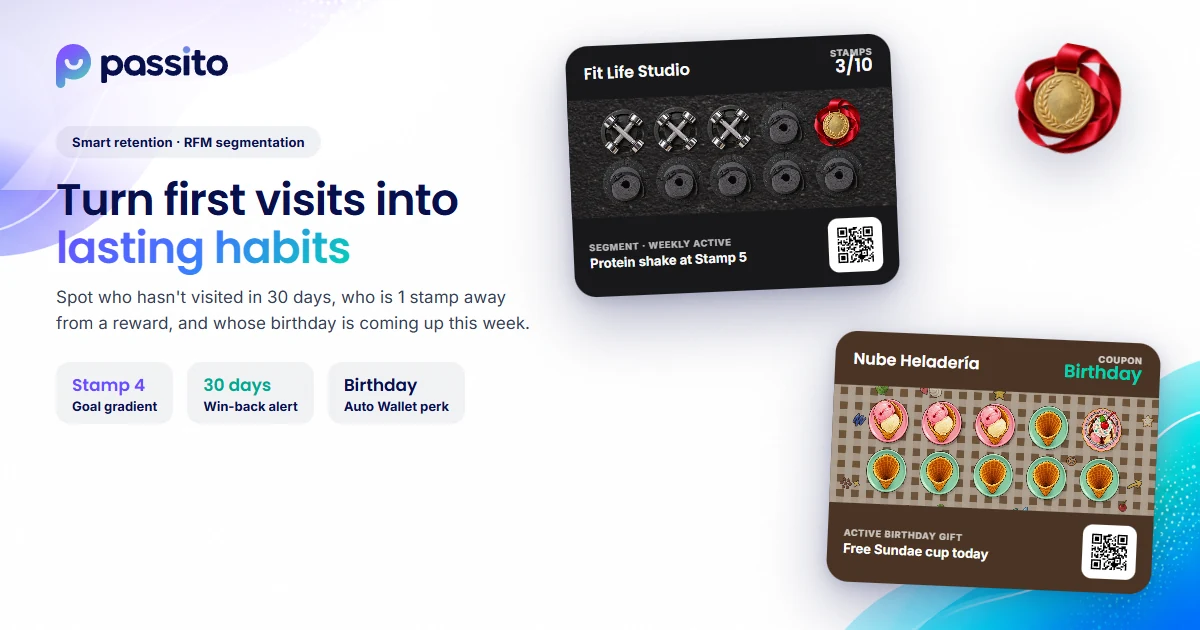 AI for local business
How artificial intelligence helps local businesses retain customers (without the complexity)
Learn how to combine AI with your Apple Wallet and Google Wallet loyalty data to spot lapsing regulars, accelerate reward redemptions, and automate campaigns.
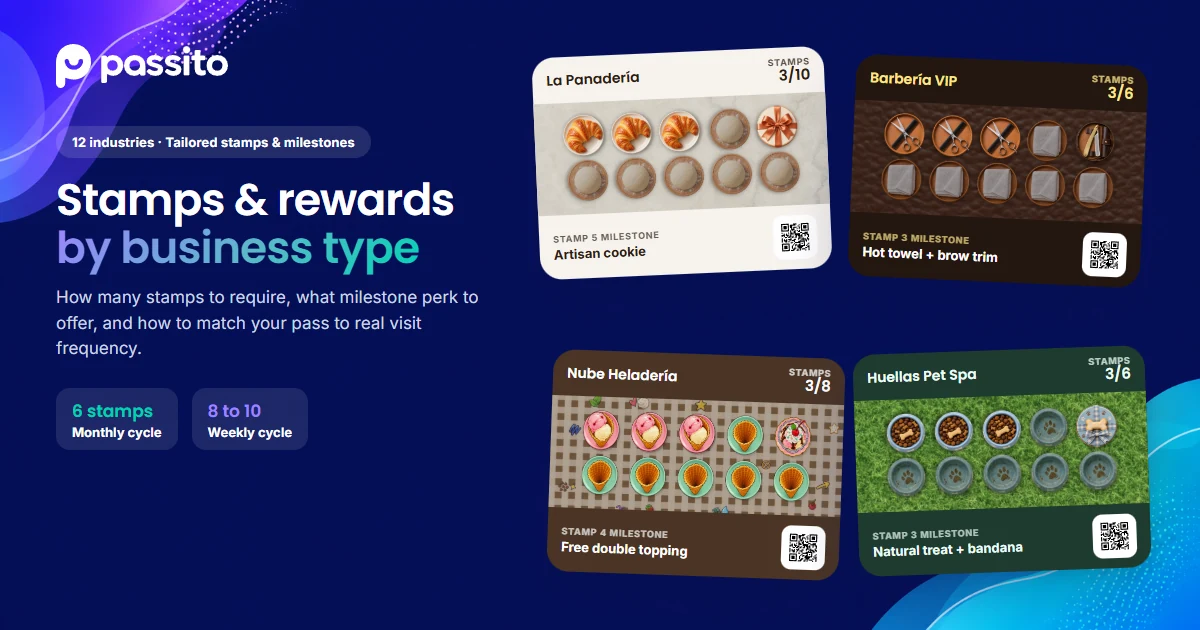 Industry guides
How to design a stamp card for every business type (Practical industry guide)
Learn how many stamps to require, what intermediate milestone to offer, and which final reward works best for coffee shops, restaurants, barbershops, spas, and 12 local industries.
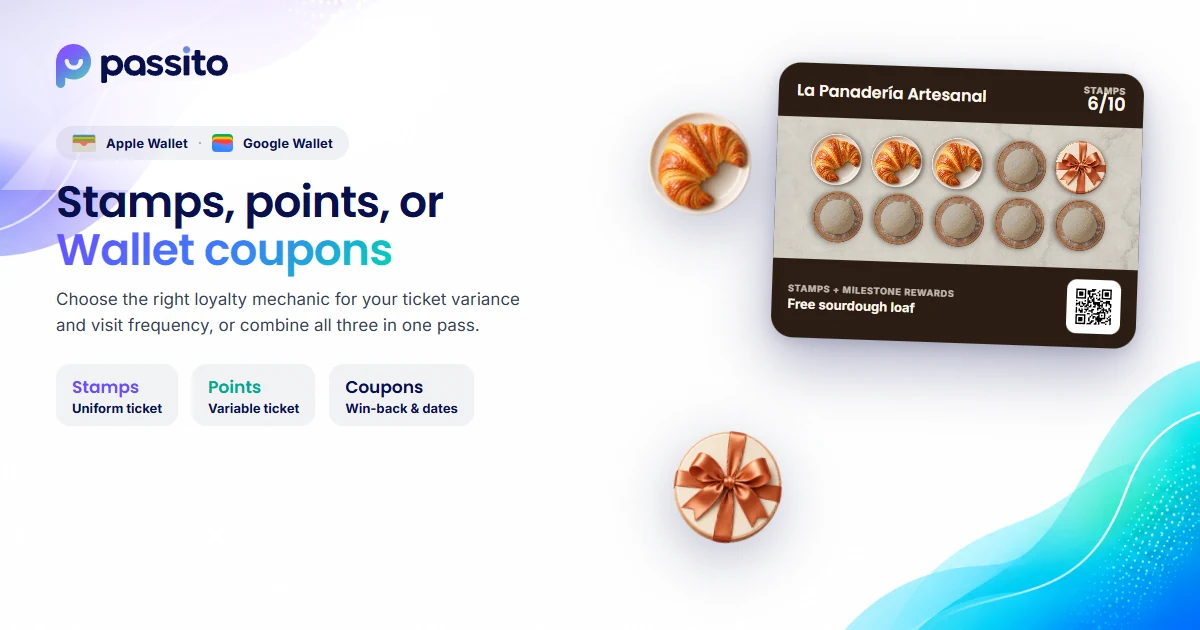 Local growth
Stamp cards, points, referrals, or corporate agreements? How to choose the right loyalty program
Learn when to use stamp cards vs. points, and how to leverage digital gift cards, referral partners, and corporate agreements to bring new customers to your store.