Digital stamp cards in Apple and Google Wallet vs. custom apps vs. paper punch cards
We compare costs, checkout friction, lock-screen notifications, and retention between paper punch cards, loyalty apps, and native Apple Wallet and Google Wallet passes.
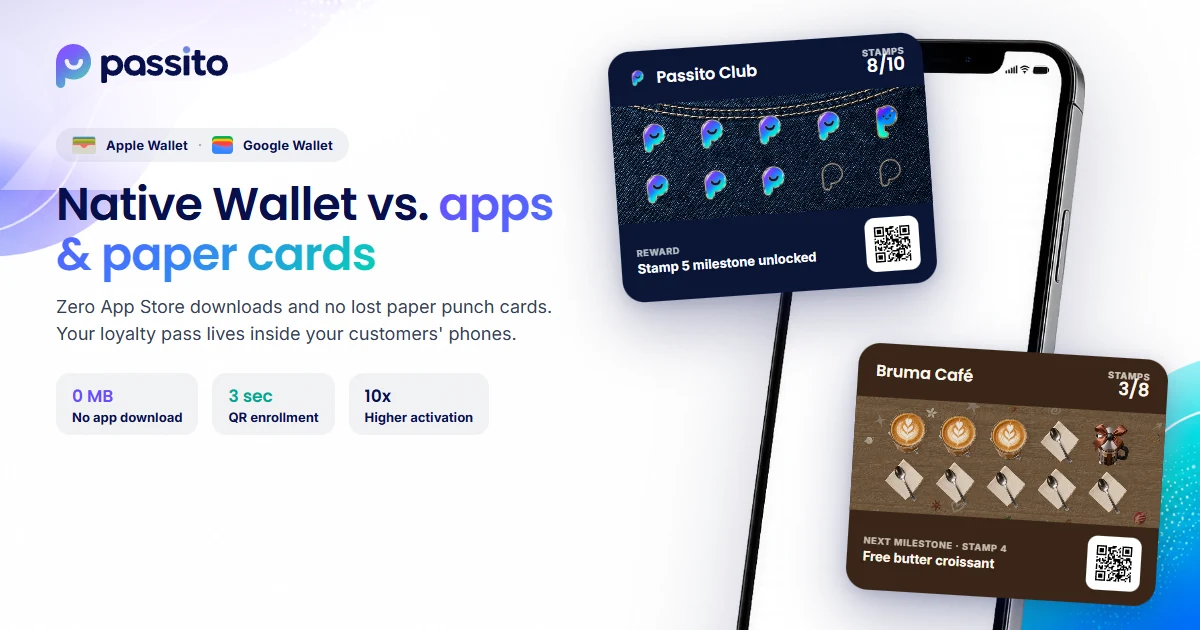
Key takeaways · Why native Wallet loyalty cards beat paper punch cards and custom apps
- Paper punch cards look cheap upfront but leave you blind: over 70% get lost or forgotten, you collect zero customer data, and rubber stamps are easy to forge.
- Custom loyalty apps fail because of checkout friction: fewer than 10% of customers are willing to download an app, remember their App Store password, and register while paying at the counter.
- Apple Wallet and Google Wallet are already installed on your customers' phones: they scan a QR code in 5 seconds, save the digital stamp card with zero downloads, and see lock-screen alerts when walking near your store.
Head-to-head comparison: Paper vs. Loyalty App vs. Wallet with Passito
When a local business decides to launch a customer loyalty program, it usually weighs three options: printing paper punch cards, building or renting a mobile app, or issuing digital passes in Apple Wallet and Google Wallet. Here is how they compare in daily operations:
| Operational factor | Paper punch card | Mobile loyalty app | Passito (Apple & Google Wallet) |
|---|---|---|---|
| Enrollment time at checkout | 5 seconds (hand over paper card) | 2 to 4 minutes (app download + signup) | 10 seconds (scan QR and tap Add to Wallet) |
| Requires downloading an app? | No | Yes (high drop-off and uninstall rate) | No (uses built-in Wallet on iPhone and Android) |
| If customer forgets card or switches phones | Forgotten card = lost stamp | Must reinstall and reset password | Instant passwordless recovery via customer portal |
| Lock-screen notifications | Impossible | Only if they keep the app and push permissions | Native Wallet alerts (stamps, campaigns, proximity) |
| Proximity alerts (Geofencing) | No | Requires background GPS permission | Yes, OS-native across up to 10 store locations |
| Fraud prevention | None (rubber stamps are easily copied) | High | Complete (every stamp and redemption is server-validated) |
| Customer database & analytics | None (customers remain anonymous) | Only the small % who install the app | Full stats: visits, birthdays, inactive & near-reward clients |
| Cost & maintenance | Ongoing reprints + physical stamps | Thousands of dollars + Apple/Google dev accounts | COP 99,000 / month all-inclusive, live in minutes |
The hidden cost of paper punch cards: anonymous customers and zero follow-up
Printing a thousand cardboard punch cards seems inexpensive on day one, but it has three structural flaws. First, paper cards get lost or left at home: when a regular says 'I forgot my card,' your cashier either denies the stamp (annoying a loyal buyer) or hands out a second card (splitting their progress so they never reach the reward).
Second, paper is silent. If a customer collected 7 out of 10 stamps and stopped visiting three weeks ago, you have no way to reach them. With Passito, that customer falls into your inactive segment and you can send a targeted campaign straight to their Wallet and email.
Why even big chains struggle to get customers to download an app
App fatigue is real. Asking someone in a checkout line to open the App Store or Google Play, download an app over mobile data, create an account, and grant permissions stalls your line.
Even customers who install an app for a first-day discount often delete it later to free up storage. By contrast, Apple Wallet on iPhone and Google Wallet on Android are system apps where users already keep their bank cards, boarding passes, and event tickets: they never get uninstalled.
What to compare when choosing Apple Wallet and Google Wallet loyalty software
Not all digital pass platforms are built the same. Many legacy stamp-card tools charge $25 to $99 USD per month in tiered plans that lock points, extra locations, or segmented campaigns behind expensive upgrades. Before choosing a platform, check these four points:
-
1. Single all-inclusive plan vs. feature-gated pricing tiers: Passito charges one flat rate (COP 99,000/month per business) with full access to stamps, points, coupons, segmented campaigns, and up to 10 locations, with zero locked features.
-
2. Intermediate milestones alongside the main reward: Most basic pass generators only allow a single end goal. Passito lets you place up to two intermediate milestone rewards right on the stamp strip to hook new regulars early.
-
3. Built-in customer acquisition (not just retention): Beyond stamps and points, Passito includes shareable digital gift cards, commission-tracked referral partners, and corporate agreements with nearby offices.
-
4. Apple & Google certificates included + passwordless portal: You don't need to pay for an Apple Developer account ($99/year) or manage PKCS#7 certificates. And if a customer switches phones, they recover all their passes via a passwordless email portal.
Frequently asked questions
What if an Android customer isn't sure whether they have Google Wallet?
Google Wallet comes integrated on modern Android phones via Google Play Services. Scanning your store QR opens the official 'Add to Google Wallet' button directly, and customers can also check their balance anytime through the passwordless web portal.
How do I migrate existing customers who already have half-filled paper cards?
When a customer brings their paper card to the counter, have them scan your Passito QR code to save their digital pass, collect the paper card, and credit their existing stamps right from your manager/owner dashboard.
Upgrade from paper cards to your customers' Wallet today
Try the live demo on your own phone with zero downloads or start your 14-day free trial.
Keep reading on the blog
See all articles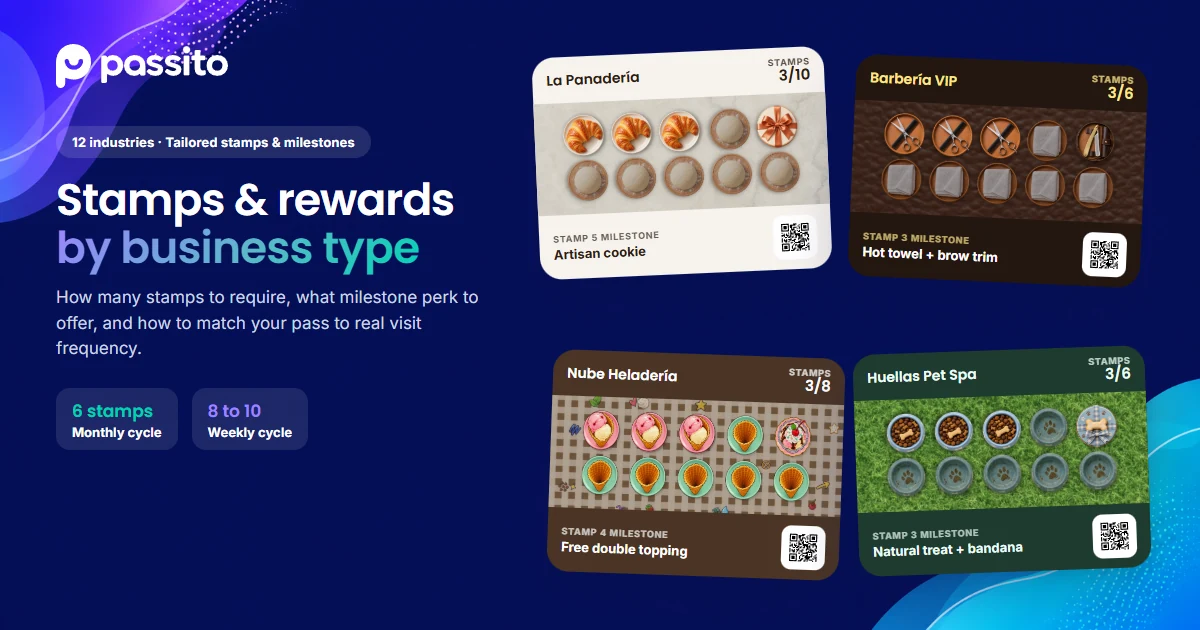 Industry guides
How to design a stamp card for every business type (Practical industry guide)
Learn how many stamps to require, what intermediate milestone to offer, and which final reward works best for coffee shops, restaurants, barbershops, spas, and 12 local industries.
 Local growth
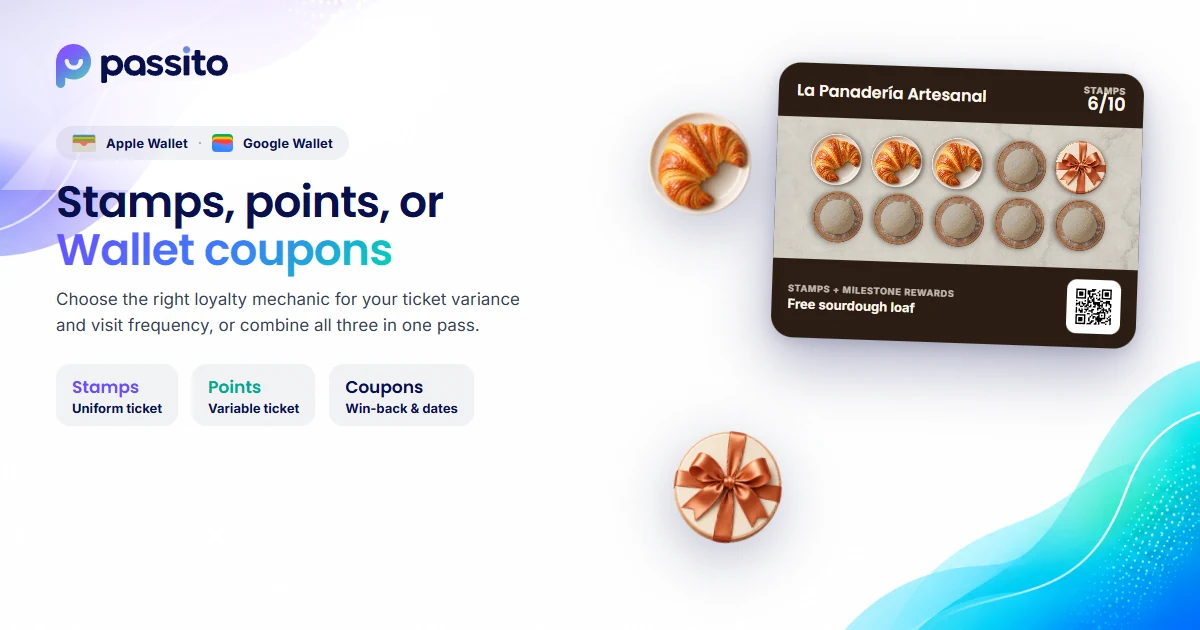
Stamp cards, points, referrals, or corporate agreements? How to choose the right loyalty program
Learn when to use stamp cards vs. points, and how to leverage digital gift cards, referral partners, and corporate agreements to bring new customers to your store.
 Local growth
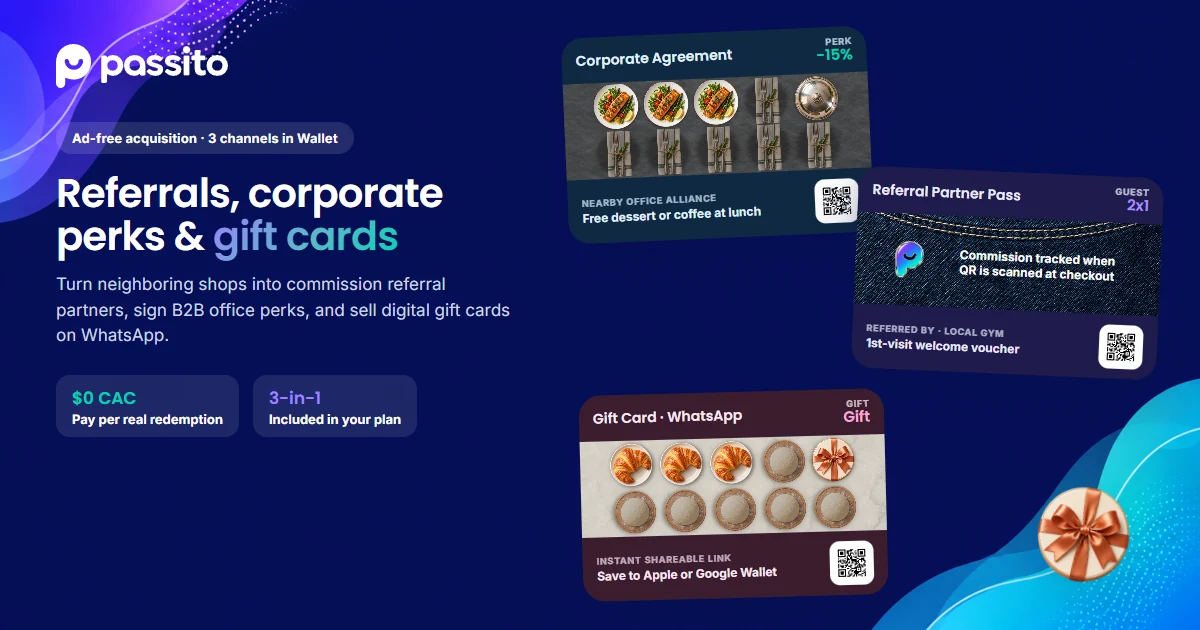
How to attract new local customers without paid ads: referral partners, corporate agreements, and gift cards
Practical playbook to bring new foot traffic to your shop using QR referral partners with automated commissions, office agreements, and Wallet gift cards.